AI Help
Answers specific questions about using BCS and its features based on the documentation and provides relevant sources.
The AI features in BCS support your employees wherever information is created and used: in the software help, tickets, tasks, projects, requirements, and contact histories. Instead of copying content into a separate AI tool, users receive summaries and context-aware answers directly within their project management and ERP processes. This reduces the time spent searching and reading, simplifies handovers, and makes existing knowledge available faster.


See which AI features are already available, which are currently being tested, and which Projektron is continuing to develop.
Answers specific questions about using BCS and its features based on the documentation and provides relevant sources.
Summarizes the subject, description, and comments into a concise overview of the issue, current processing status, and previous history.
Condenses descriptions, checklists, comments, and task history, making it easier to get started and hand tasks over.
Answers questions about an individual task and takes the relevant task information into account.
Multiple tasks can be selected together to examine dependencies, commonalities, and open issues across tasks.
AI answers about tasks reference the underlying checklists, comments, history log entries, and other information in BCS.
Provides concise summaries of selected project information, including history logs, project manager notes, and project-related contact histories.
Condenses extensive requirements and makes it easier to quickly understand documented user stories.
Summarizes relevant customer contacts from the past twelve months and specifies the filters used.
Adds targeted questions about agreements, topics discussed, developments, and pending feedback to the existing summary.
Translates user interface text from German into supported languages, making it easier to provide international working environments.
The list of AI tools is continuously expanded and can be requested from your customer service representative.
Searches for similar tickets that have already been processed, generates an initial response suggestion from them, and allows the suggestion to be revised in the chat.
Is intended to support targeted follow-up questions about a ticket and the information documented in it.
Extends AI summaries to additional lists, history information, and other work areas in BCS.
Chat usability and presentation will continue to be improved. Planned enhancements also include support for voice input.
An installable package with local AI components, documentation, and training offerings is intended to support additional deployment options.
Planning, scope, and availability of features that have not yet been released may change during development.
AI Help provides conversational access to the extensive BCS documentation. Users ask a specific question and receive an immediately usable answer with source references.
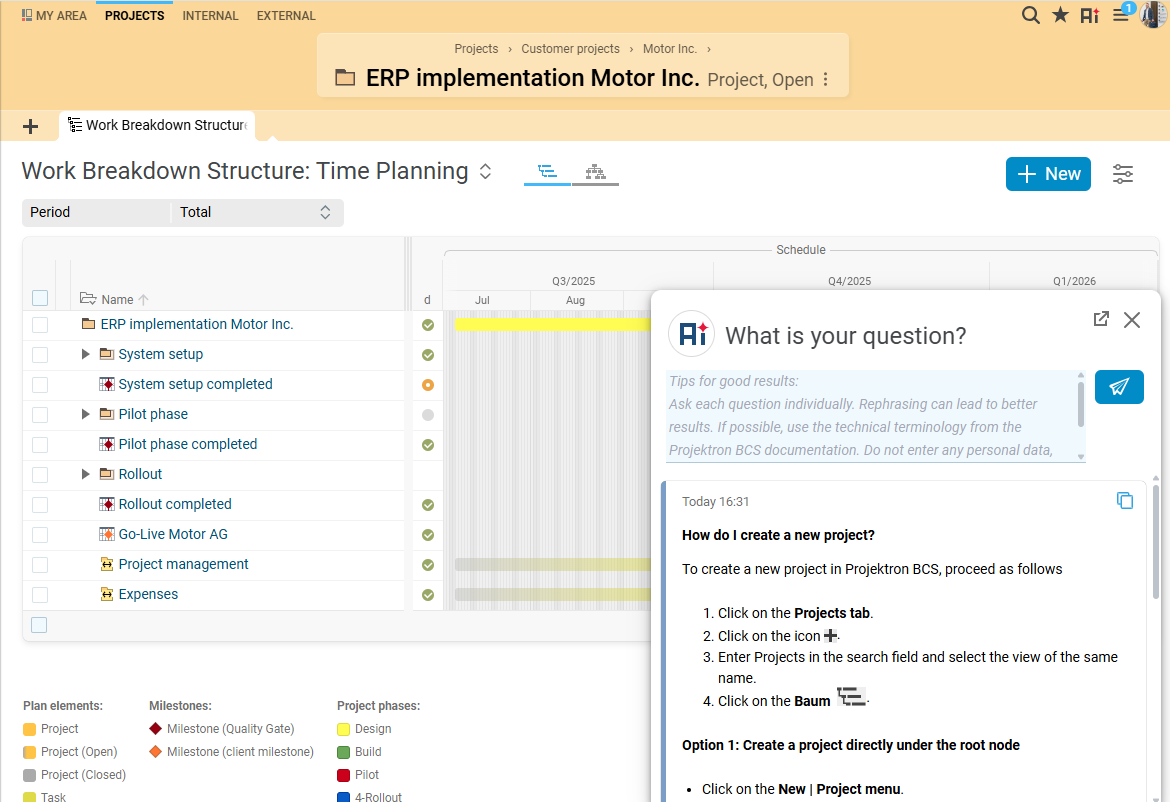
Users open AI Help with a single click. The question is processed using a RAG approach: First, BCS performs a semantic search for relevant documentation content. The language model then generates an answer based on this content.
Answers to specific questions about using BCS and its features
Illustrated step-by-step instructions provided as an answer
Source references with links to the online help
Answers generated in real time
Option to rate the answer as helpful or not helpful
Easy copying of the question-and-answer pair, including sources
Easy creation of a support ticket if the answer is not sufficient
Option to open AI Help in a separate window for parallel work
AI Help is not a general-purpose knowledge AI. It answers questions covered by the available BCS documentation. This keeps the support focused on BCS-specific topics and allows users to verify the answer using the cited sources.
AI summaries condense existing information into an overview that is quick to understand. The original content remains fully intact and can be opened at any time for professional review.
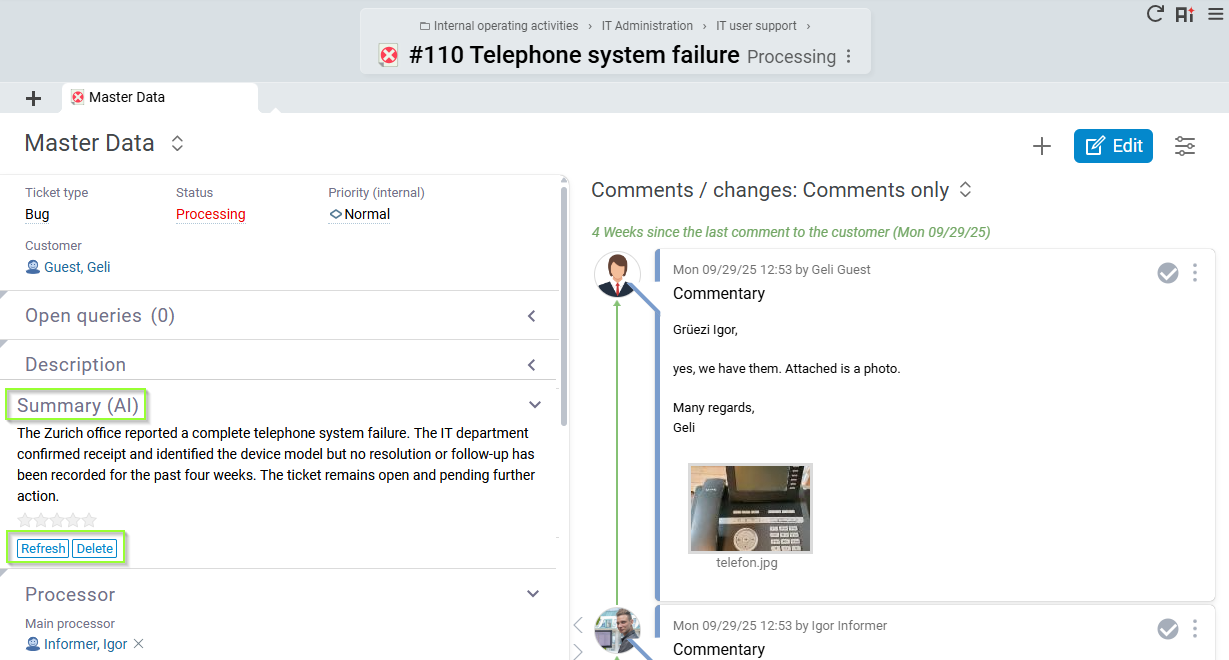
The ticket summary condenses the subject, description, and potentially numerous comments from different participants. This makes it easier to understand lengthy support and service histories and enables smooth handovers.
Overview of the issue, processing status, and key history
Notification when a summary may no longer be up to date
Update, delete, and regenerate summaries
Rating from “Very good” to “Very poor”
Optional comment on the rating
Support for handovers, escalations, and reopened tickets
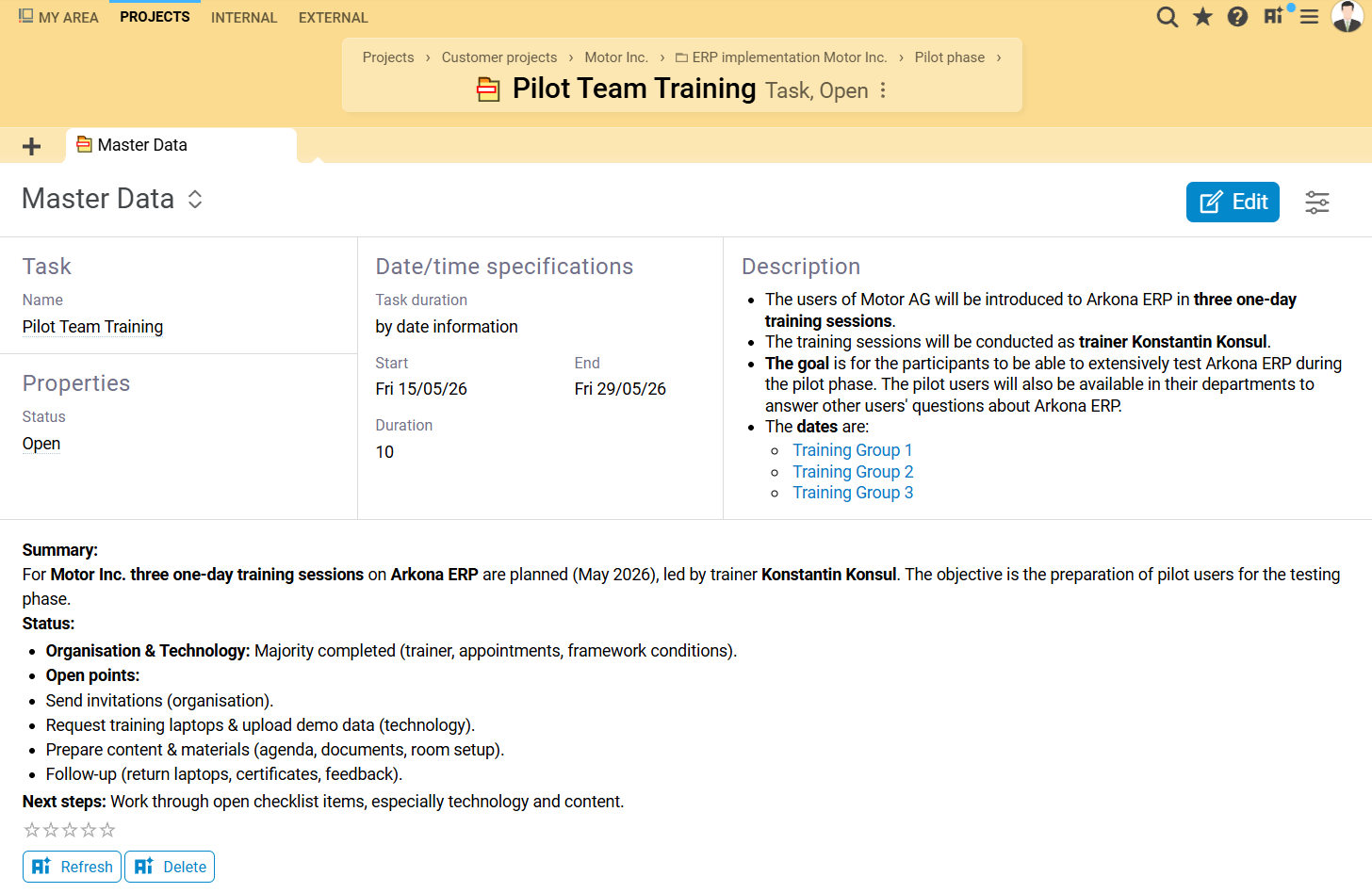
In complex tasks and projects, relevant information is often distributed across different areas. Summaries generated by BCS AI combine master data, descriptions, checklists, comments, and history information into a concise overall view.
Faster onboarding for new or reassigned tasks
Overview of open items and documented progress
Summaries of selected project-related information areas
Analysis of project notes and history logs
Update, delete, and rate generated content
Even extensive Scrum requirements in the Products workspace can be condensed using an AI-generated summary. This helps users understand the subject matter more quickly and provides easier access to the documented content.
Concise overview of extensive requirements
Faster onboarding for new or reassigned user stories
Support for review, coordination, and further processing
The AI-generated summary condenses the customer contact history from the past twelve months. This enables account managers to identify documented conversations, feedback, and developments more quickly.
Summary of customer contacts from the past year
Meaningful filtering of contact history entries
Display of the filters used in the result
Replacement of the existing summary when it is regenerated
BCS can use AI to translate user interface text from German into supported languages. This simplifies the creation of international work environments and accelerates the translation of new or modified content.
Context-aware assistants combine selected BCS data with a conversational interface. Instead of receiving only a static summary, users can ask specific follow-up questions about the documented information.
The Task Assistant answers questions about a task and takes the designated task information into account.
Multiple tasks can be selected together to examine dependencies, similarities, and cross-task open points.
The Contact History Chat adds targeted questions about agreements, discussed topics, developments, and outstanding feedback to the existing summary.
For new tickets, BCS is intended not only to summarize existing information, but also to actively support users in finding a solution. The feature currently being tested searches for similar tickets and uses them to generate an initial response suggestion.
The AI features reduce the time spent searching and reading, simplify handovers, and provide information directly within the relevant work context.
AI Help answers specific questions based on the BCS documentation and displays the sources used.
Summaries make it easier to understand the status of tickets, tasks, and project histories, even when responsibilities change.
Important content, open items, and developments are condensed for meetings, reviews, and further processing.
The AI features are integrated directly into BCS objects. There is no need to copy content into a separate tool.
Source references, the underlying original content, and feedback features make professional review easier.
AI components can be provided in line with the edition, license, processes, and internal company requirements.
BCS connects AI with the information designated for the relevant work process.
The AI features use the relevant BCS content, such as tickets, tasks, requirements, comments, checklists, and contact histories.
Summaries condense information, assistants answer follow-up questions, and AI Help provides access to the BCS documentation. This keeps the support within the relevant work context.
AI provides an additional way to access information that already exists. Complex processes can be reviewed more quickly and prepared for handovers, meetings, or further processing.
Well-maintained descriptions, checklists, and comments remain the basis for helpful answers and summaries.
AI features deliver value wherever employees work with, share, and evaluate information in their daily tasks.
Review project notes, contact histories, and history logs more quickly, prepare task handovers, and identify open points for status meetings. Summaries help classify extensive project information more efficiently.
Get an overview of task content, classify checklists, comments, and history logs, and ask specific questions about the processing status. The Task Assistant answers questions directly in the context of an individual task. Multiple tasks can also be analyzed together to identify dependencies, similarities, and cross-task open points.
Take over long tickets more quickly, understand the previous history, and generate an updated summary after relevant changes. This makes it easier to understand complex support processes and handovers.
Condense contact histories of external organizations and use the Contact History Chat to ask targeted questions about agreements, discussed topics, developments, and outstanding feedback.
Activate AI components as needed and adapt their use to the edition, license, user roles, processes, and internal security, compliance, and governance requirements.
Gain an initial overview of extensive project, task, and communication histories more quickly. For decisions, key figures, original data, and the professional assessment of the responsible employees remain decisive.




Projektron develops the AI applications and their integration into BCS in-house. The modular framework connects selected BCS data sources with suitable AI components and provides a reliable foundation for high-quality responses, controlled processing, and the needs-based development of the features.
Each AI function uses the BCS content intended for the respective use case. This provides the language model with the appropriate specialist context for answers, summaries and follow-up questions.
AI Help searches semantically for relevant content in the BCS documentation. The documents found are provided together with the question as the basis for the answer.
Summaries take into account the content intended for the respective process, such as subject, description, comments, checklists or history logs.
Chats refer to selected tasks, contact histories or other designated BCS content. Questions can therefore be asked directly about the respective work process.
The quality of an AI answer depends both on the language model and on the selection and preparation of the information provided. It is crucial that relevant information is found and processed in its professional context.
Projektron develops and tests various methods for this purpose. AI Help has, among other things, been tested using realistic, previously resolved support questions. Weaknesses observed in retrieval and data preparation are incorporated into further technical development. The methods used particularly support functions that semantically search extensive content and assemble it for an appropriate answer.
Users deliberately initiate answers, summaries and chats within the respective work process. The AI functions described do not independently analyse all company data and do not make automatic changes to projects or master data. The results are provided for further processing and professional review.
Which information is processed depends on the AI function being used. Companies can additionally govern its use through their own requirements for roles, permitted inputs, review processes and responsibilities.
BCS has been developed in Berlin since 2001. The software can be operated within the customer's own infrastructure or in German data centres.
Projektron operates an information security management system in accordance with ISO/IEC 27001 and is TISAX-assessed. These structures provide the organisational framework for information security, regulated responsibilities and reliable processes.
The AI applications described currently use a language model from Mistral AI, which is operated on a server of Projektron GmbH.
BCS can be operated within the customer's infrastructure. The AI applications currently described use a language model operated on Projektron GmbH's infrastructure.The framework separates applications, BCS data sources and technical AI components from one another. The language model, embedding model and vector database can therefore be developed, supplemented or replaced independently.
The architecture provides the basis for integrating additional models and operating modes when they offer advantages in terms of quality, data protection, security or cost-effectiveness.
A fully locally operated AI solution is part of the long-term development of the AI functions in BCS.The articles follow the development of the AI features in BCS and explain both specific applications and the underlying technology.
An introduction to the development project: initial technical foundations, potential use cases, and objectives for integrating AI into BCS.
The article explains the requirements, modular architecture, and interchangeable components behind the AI applications.

How AI Help answers questions about the BCS documentation and how it was improved through retrieval, testing, and feedback loops.
An overview of specific applications for AI support and the gradual expansion of the features in BCS.
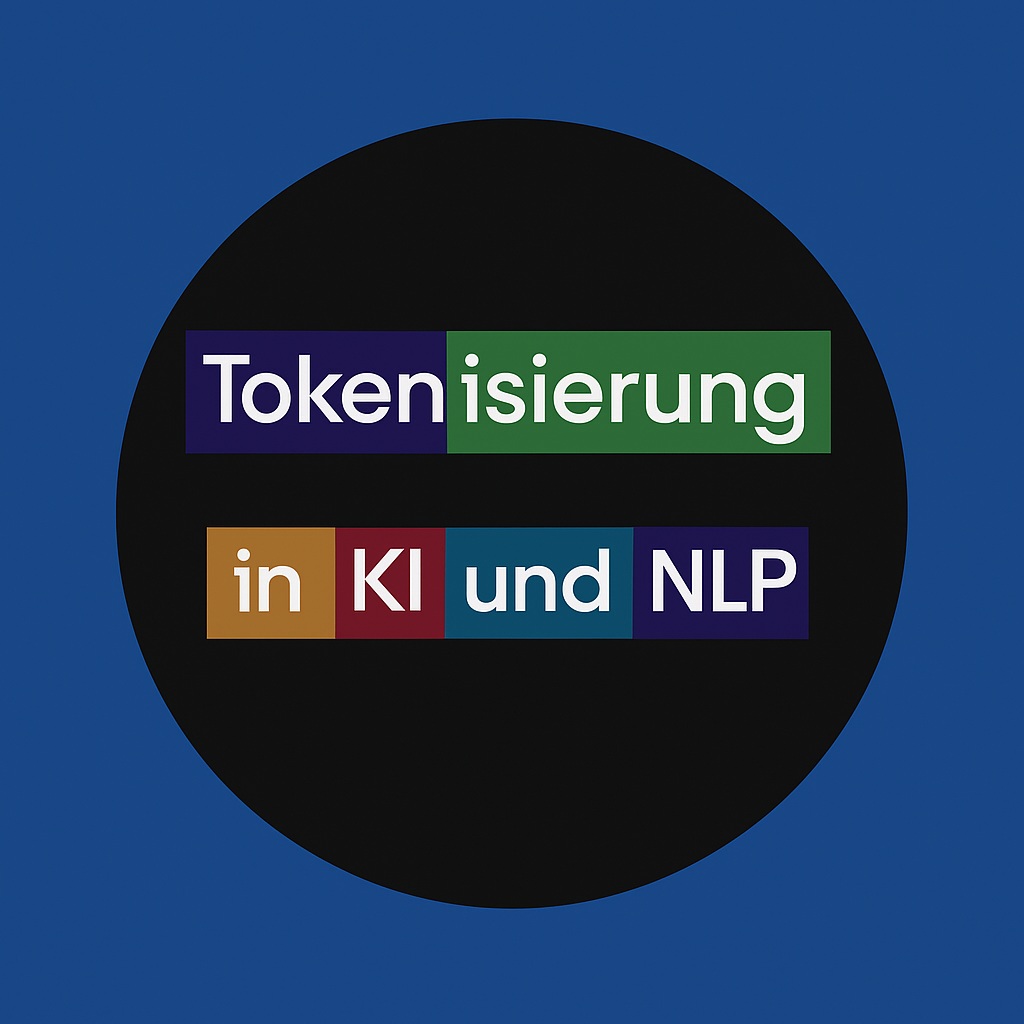
How text is divided into smaller units and why this segmentation affects how language models process it.
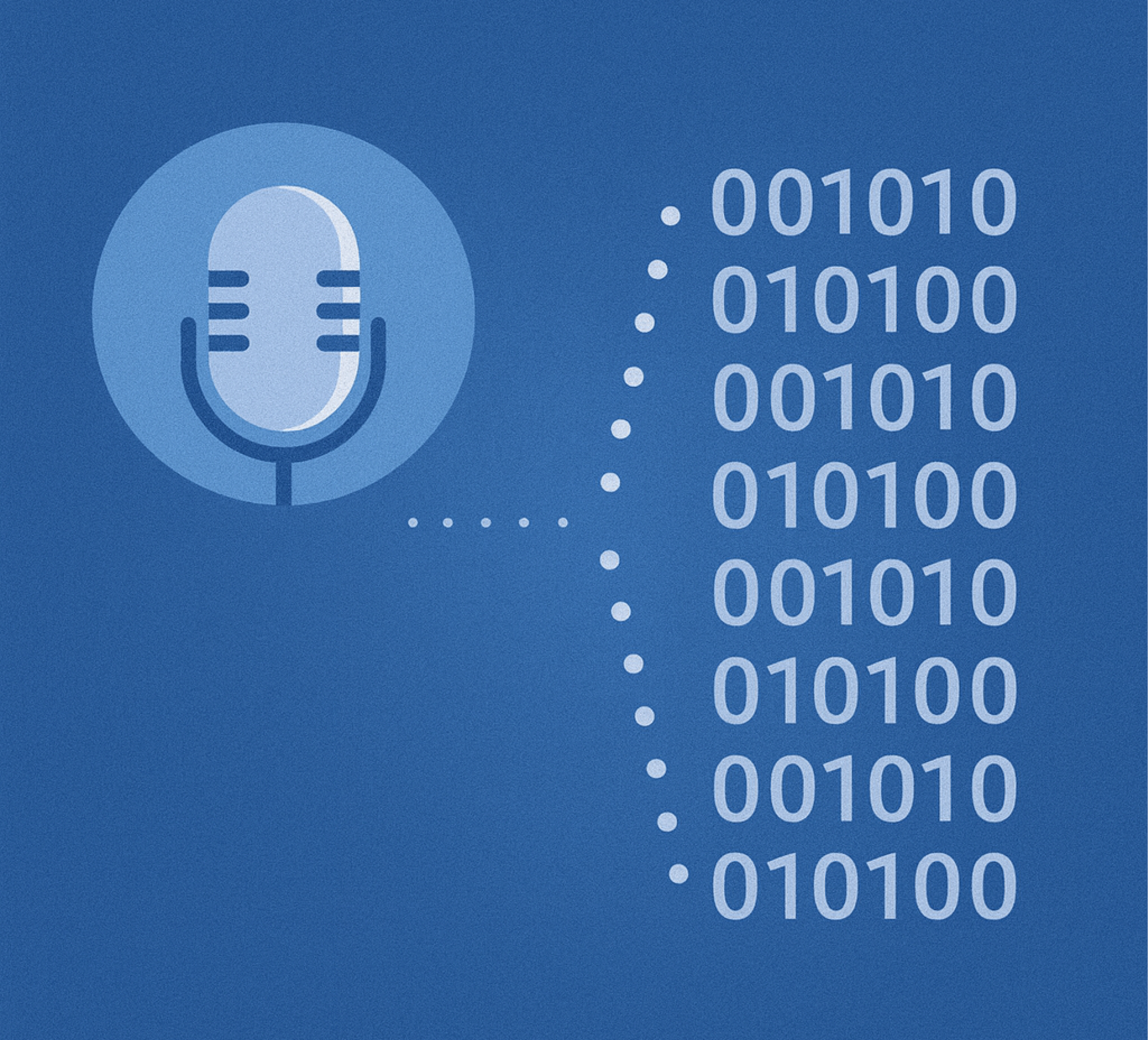
How words and content are converted into numerical vectors, making them comparable for semantic searches.

How language models identify and weight relevant terms and relationships within a text.
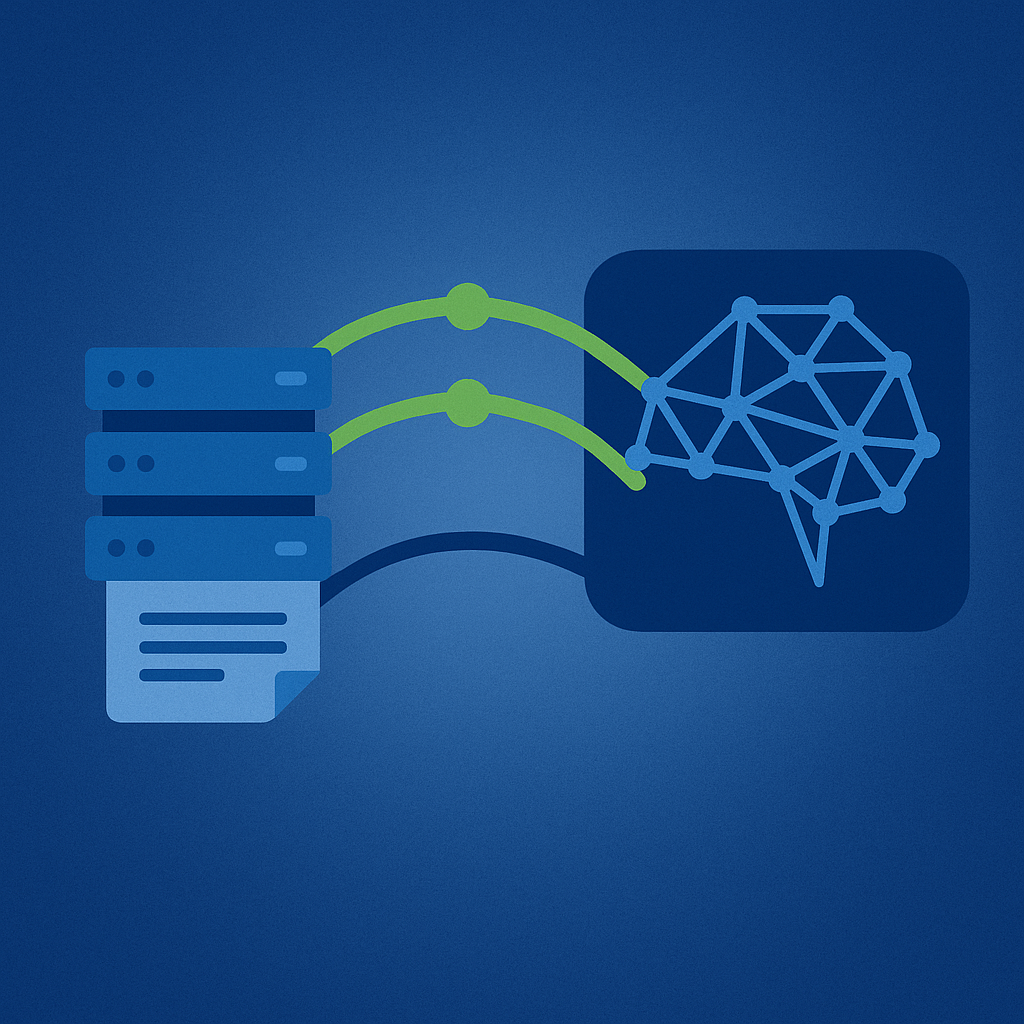
How language models are connected to defined knowledge sources to provide subject-matter context and make answers more traceable.
Answers about the features, use cases, technical foundations, data protection, and availability of AI support in BCS.
AI Help uses RAG – Retrieval Augmented Generation. The user's question is first analyzed semantically. Relevant content is then retrieved from the BCS documentation.
The relevant documents are passed to the language model together with the question as context. This helps ensure that the answer is specifically based on documented information about BCS.
The sources used are displayed and can be opened directly in the online help for verification.
AI Help is designed for questions about using BCS and its features. It is not intended to replace a general-purpose chat or knowledge search.
Contextual assistants and chats process the BCS content intended for the respective process. For example, they can refer to one or several selected tasks or to documented contact histories.
No. Errors, omissions, or incomplete interpretations may occur even when documentation- and source-based methods are used.
Answers, summaries, and suggestions should therefore be reviewed carefully, especially when they are used as the basis for professional, financial, contractual, or legal decisions.
Answers, chats, and summaries are started deliberately by the user. The user decides when a summary is generated, updated, or deleted and when a question is submitted to an assistant.
BCS can indicate that a previously saved summary may no longer be up to date because content has been added or changed.
The AI features access defined data sources and BCS components that can be activated as required. The content processed depends on the respective feature.
The language model used is provided by Mistral AI. Companies can control its use through components, licenses, roles, and organizational requirements.
No, the AI does not currently run entirely locally. AI Help uses the RAG method and accesses a language model from Mistral AI that is hosted on a Projektron GmbH server.
In the long term, Projektron intends to offer a fully local solution in which no data is transferred to language models hosted by third parties.
Running BCS locally does not currently mean that all AI components are automatically operated within the customer's infrastructure.For a ticket summary, BCS primarily processes the subject, description, and comments of the ticket.
The summary is displayed and saved directly on the ticket in the “Summary (AI)” section. It can be updated, rated, or deleted.
For tickets, BCS can display a notice if relevant content has changed since the summary was created.
This can include changes to the ticket type or ticket status, as well as new external comments or team comments. The user can then update the summary.
AI Help answers questions about using BCS and its features based on the BCS documentation.
Contextual assistants and chats, by contrast, refer to specific information in BCS. The Task Assistant answers questions about one or several selected tasks. The Contact History Chat enables targeted questions about agreements, discussed topics, developments, and outstanding feedback.
Via the MCP interface, external chatbots such as Claude, Copilot, or LibreChat can access data from BCS or trigger actions. To do so, the customer connects the Projektron MCP server to their chatbot and creates a “BCS agent.” The exact name may vary depending on the chatbot.
Users can then interact with BCS in natural language using the available tools. Actions can also be carried out across multiple applications.
Authentication is supported via OAuth. Via MCP, users can only retrieve information that they can also access directly through the BCS web interface.
Yes. AI summaries can be rated on a five-point scale from “Very good” to “Very poor.”
A comment can also be added to explain the rating. Answers from AI Help can also be rated as helpful or not helpful.
Availability may vary depending on the feature. The BCS version, edition, license, activated components, and system configuration are decisive.
Which features can be used in BCS or BCS.light should be checked against the current release information and the individual licensing configuration.
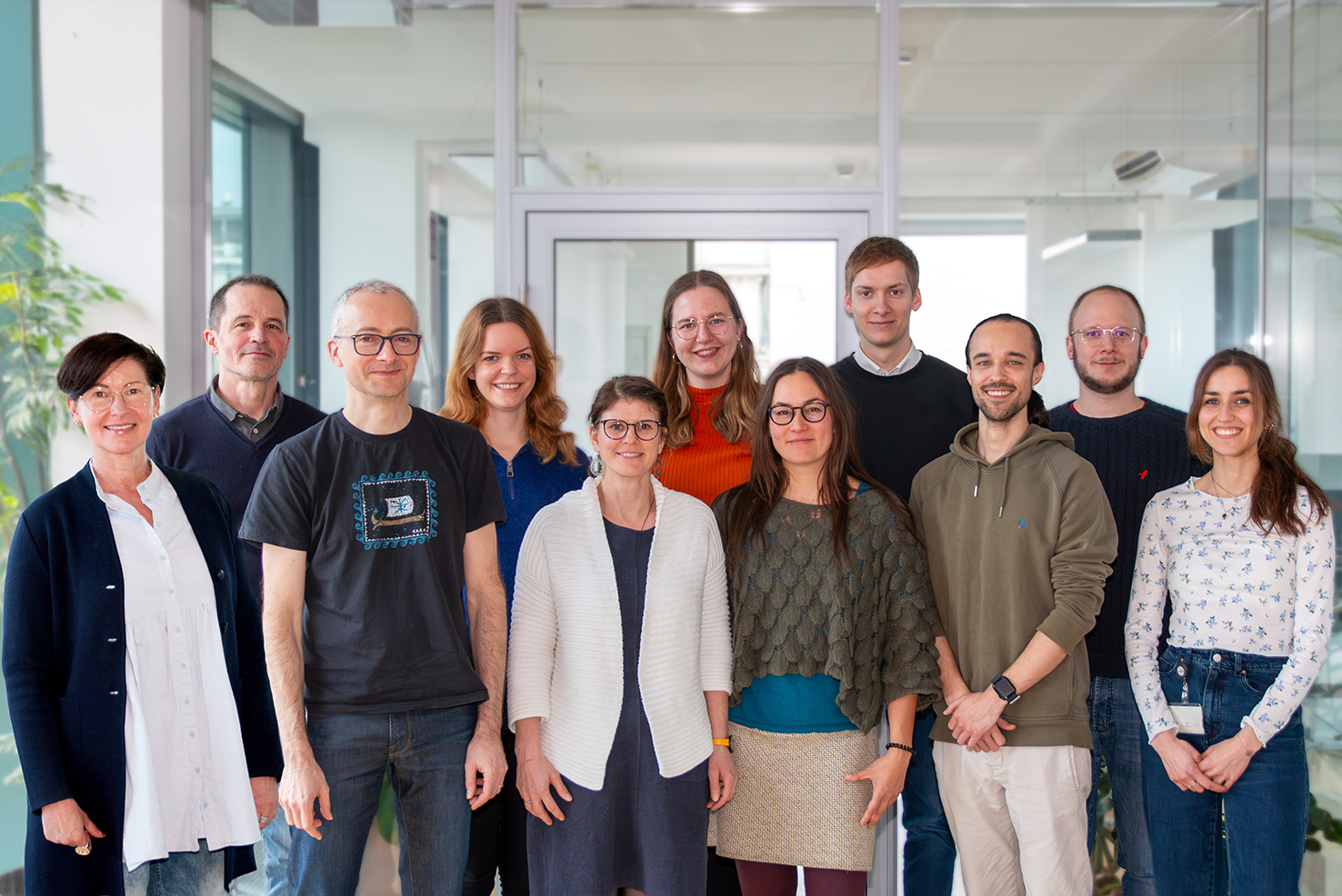
Projektron Customer Service is your point of contact for all matters relating to BCS and is available to answer your questions or provide further information about the AI features.