Logs and exchange formats
Use standard interfaces with BCS
Connection to e-mail servers, document management, single sign-on via Microsoft Active Directory and much more: With different standard exchange formats and protocols, you can work across applications with BCS.
E-mails
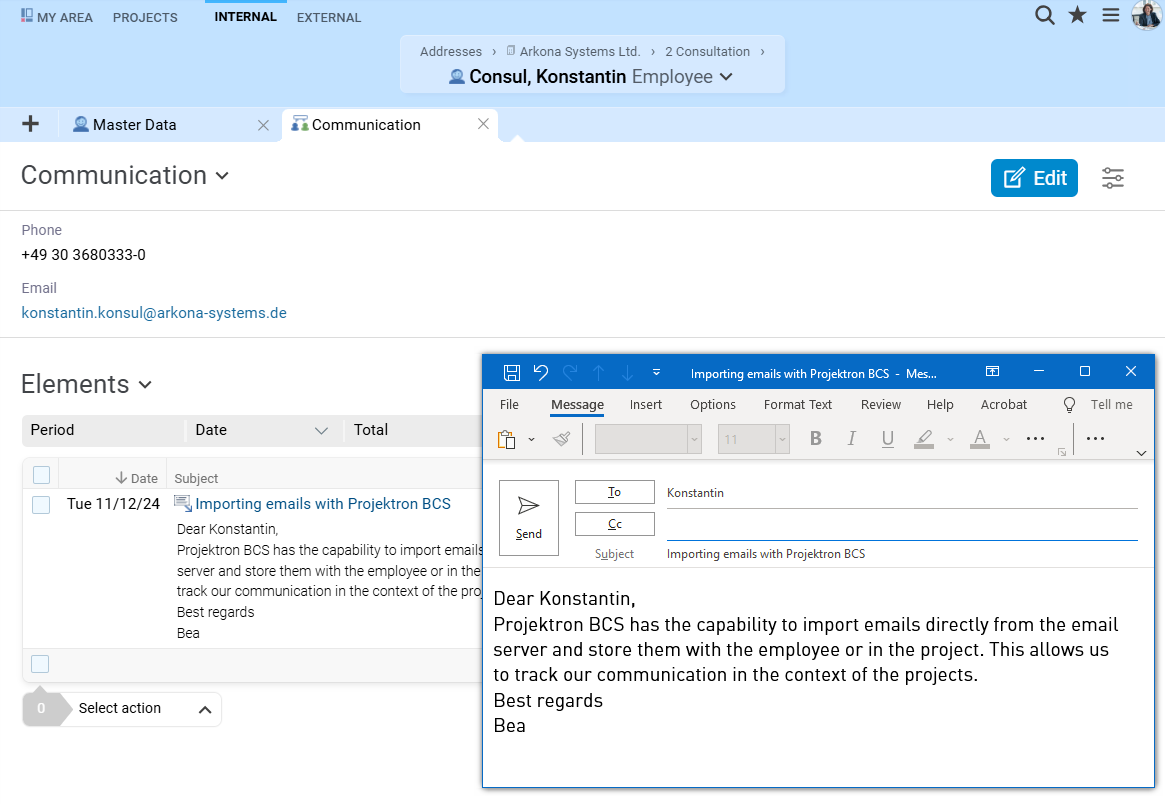
BCS uses standard protocols to import your emails. BCS's email import feature offers you the following options:
Automatic import of emails, including attachments, into BCS
Automatic assignment of emails to projects or tickets managed in BCS
Automatic storage of emails in the corresponding contact history of business partners
If you use BCS as a directory service, you can also use the contact data of your business partners maintained in BCS, which is always up to date, in your email program or in your digital address book.
User management and authentication
As a directory service, BCS can work together with other programs that query user data via the LDAP application protocol. Whether login data for single sign-on or data on groups of people for assigning rights in the file system – the required data can be easily reused.
The reverse is also possible: data stored in other directory services, such as Microsoft Active Directory, can be imported into BCS via the LDAP application protocol. BCS offers various mapping functions for this purpose. Data that has already been imported can also be updated automatically.
Working in BCS without explicitly logging in with a username and password – this is made possible by authentication via the Kerberos network protocol. The process is secure because no passwords – whether encrypted or unencrypted – are transmitted over the network.
Document management
BCS has its own document management system. This supports the standard WebDAV protocol.
A particular advantage of WebDAV is that common operating systems and office applications support this standard, which allows document versioning, for example. You can access the files both from your file system and via BCS. The specific range of functions offered by WebDAV depends on your system environment.
If you want to access files on an external platform with BCS, this is also possible via WebDAV. If your documents are stored on a Microsoft SharePoint platform, you can even edit, delete, and lock them with BCS.
Calendar
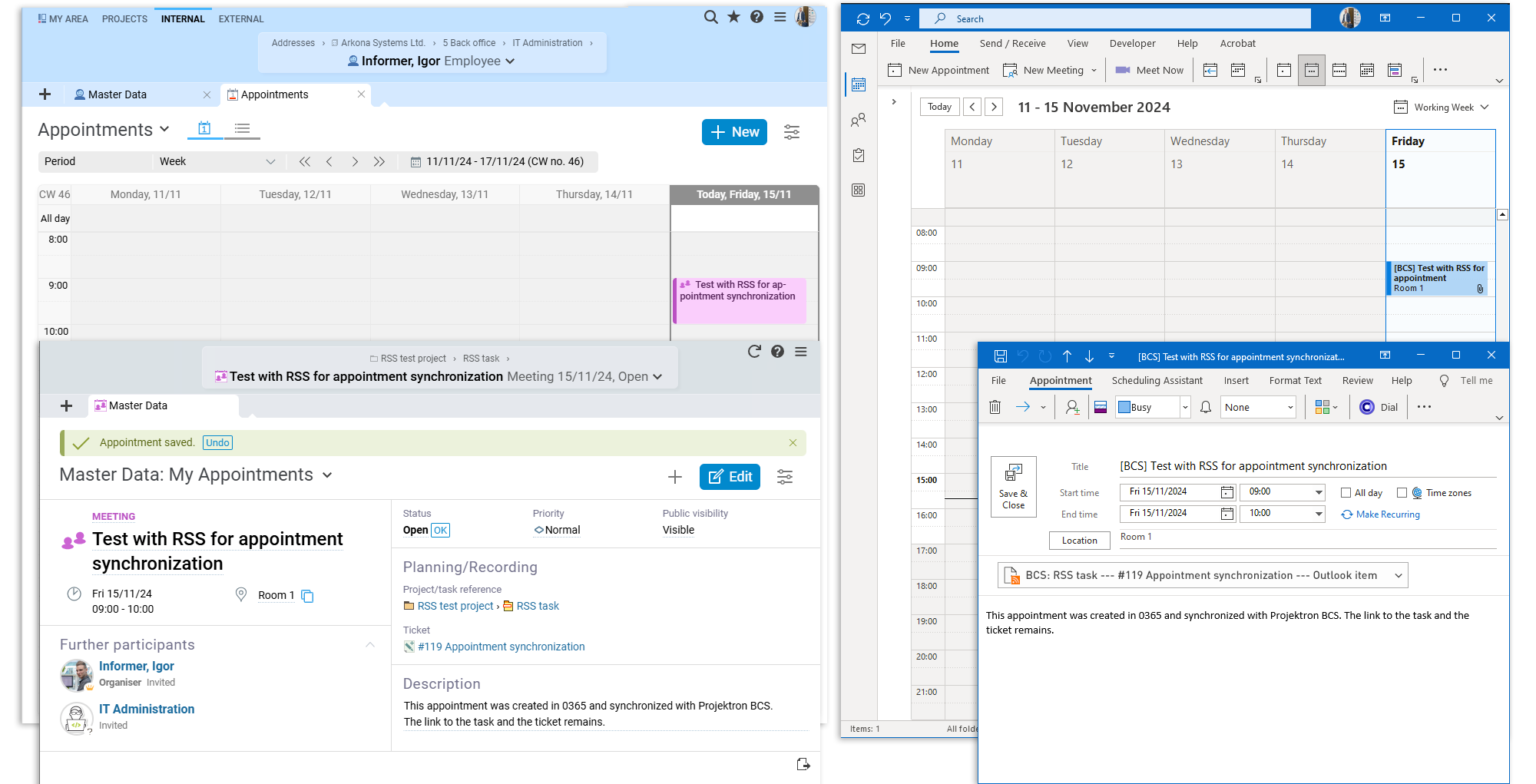
BCS supports the iCalendar calendar format. This allows you to export BCS appointments to almost any modern calendar software. If you want your BCS appointments to be updated automatically in your calendar software, you can simply subscribe to your BCS calendar.
The following calendars, among others, are supported:
Microsoft Outlook
Android Calendar
Google Calendar
Apple iCal and iPhone
With our Microsoft Exchange interface, you can even bidirectionally synchronize appointments and follow-ups.