Telephone systems (CTI)
Call at the click of a mouse
Via our interface with the TeamCall Middleware from ilink, we connect BCS to your telephone.
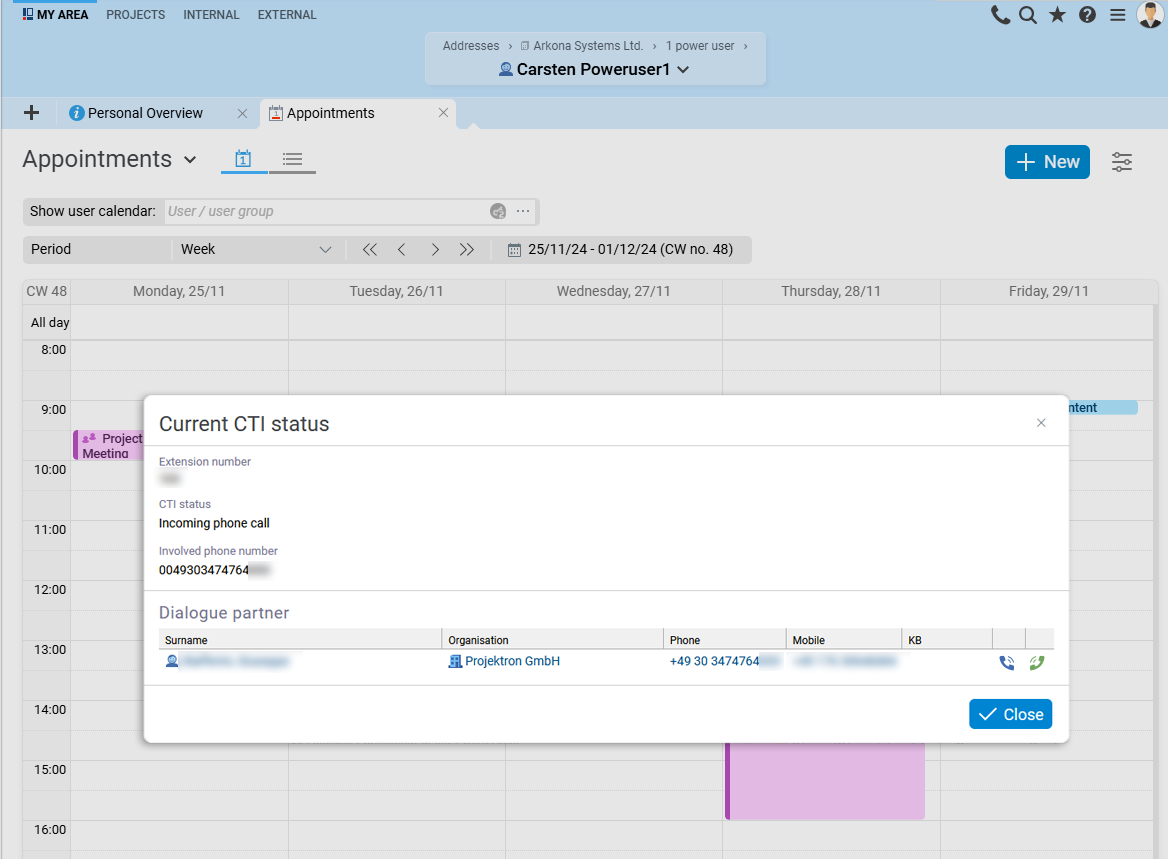
Interface performance
The interface between BCS and TeamCall middleware offers you the following options:
Call setup with a single click on a phone number stored in BCS
Display of incoming calls in BCS
Easy retrieval of names and contact information during the call
Easy recording of notes on the phone call during the call
Program information
The TeamCall middleware from ilink monitors your telephone system and forwards incoming calls to BCS. In addition, BCS can control your telephone system via the TeamCall middleware.
As a server installation, the TeamCall middleware communicates directly with your BCS server. You do not need any additional programs for computer telephony on the client computers.
Variants
The TeamCall middleware from ilink is available in two variants:
ilink TeamCall Server (for Windows, Linux, and Mac OS)
ilink TeamCall Express (for Windows only)
Both variants have the same functionality when used with BCS. Which variant you need depends on the telephone system you use.

Robert Klauser
Managing Director of infomax websolutions GmbH
"Especially the CTI interface is something we wouldn't want to miss in our everyday life: one click on the phone number of a contact and the conversation starts and you can record relevant things in a phone note right away."