Jira
Issues directly in the project
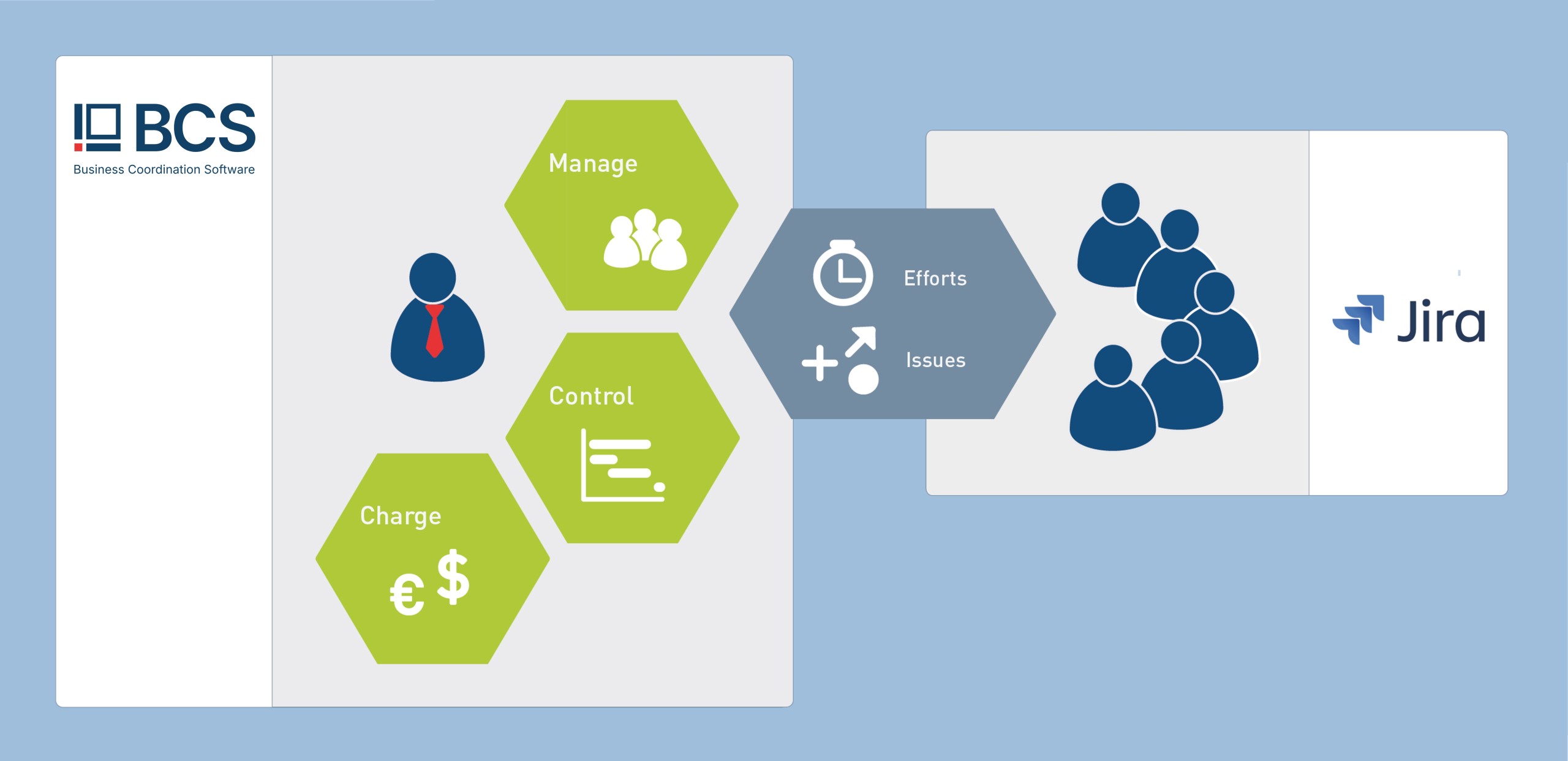
The Jira interface enables you to integrate, evaluate and invoice Jira data for your BCS project.

Monique Heim
Management assistant and project assistant, molpe Softwareentwicklungs GmbH
"Our customers have several cost centers that belong to the various projects. Thanks to the interface, we can easily link them to Projektron BCS in the Jira settings. If the synchronization does not work, e.g. because the If the cost center was changed, the reason for the synchronization message can be seen in the error message. This means that not much time has to be invested in troubleshooting."
Interface capabilities - Jira Server and Jira Cloud
The interface includes the BCS Connector as well as the Jira SyncAdapter (JSA) web service and provides flexible mapping between project structures using Jira’s native JQL scripting language. The Jira Cloud integration is fully integrated into BCS and does not require any additional app.
The following data is also synchronized:
- Jira issues ↔ BCS tickets
- Jira work logs ↔ BCS time tracking
- Jira estimates ↔ BCS resource management
With Jira Server and Jira Cloud, your data is synchronized bidirectionally between Jira and BCS. Changes are automatically transferred in both directions, ensuring consistent data across both systems. A paid license is required to use this interface.